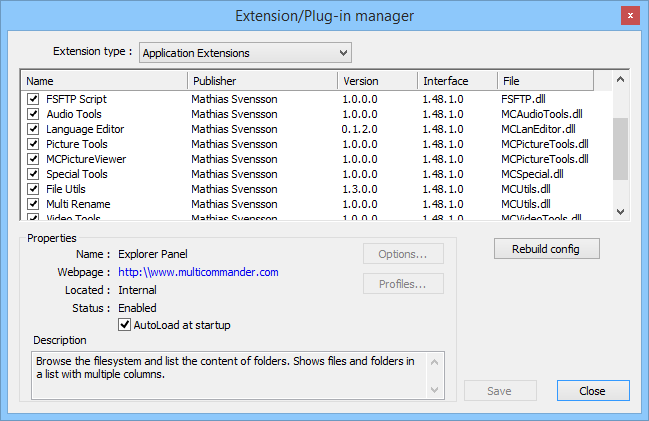
Add windows, tab-based tools, menu commands, custom commands, or new functions for the scripting system.
- Custom windows and panels
- Menus, commands, and script functions
- Tools such as viewers and batch utilities
Present archives, remote services, devices, or other hierarchical data through the familiar file-panel interface.
- Folders, files, and virtual items
- Custom navigation and operations
- Sources such as FTP, archives, and the Registry
Participate in file operations to adjust destinations, transform transferred data, or run post-operation work.
- Rewrite names and target paths
- Process data during transfer
- Run follow-up actions after completion
Read file-specific metadata and expose it as sortable information in the Explorer panel.
- Image dimensions and EXIF details
- Format-specific file information
- Custom Explorer panel columns